Discovery and design for a feature ready to test, paused at the acquisition of Harvest.
Role
Design strategy, UX, UI, research.
Team
Me
PM
EM
FE
BE
What this case study covers
Tracking time is core to Harvest, but the experience hadn't been iterated on in years. Users were telling us so. We ran the discovery, formed a hypothesis, designed a solution, and built a prototype. This is the work up to that point.
Status
Designed and prototyped. Ready to enter user testing when Harvest was acquired.

The problem
Tracking time is core to the Harvest product and the value it provides customers. Yet - outside of mobile and some project management integrations - we haven't iterated on Harvest’s time tracking experience in years.
Our users were indicating frustration around the lift to track time in our NPS, and telling us that this is an area that we can improve in our cancellation reasons survey. On top of that, we’re seeing competitors getting ahead of us in this space.
There's an opportunity to reduce the effort it takes for users to track time with both incremental usability improvements as well as larger explorations into new time tracking experiences that serve to significantly reduce the effort required to track time.
Research
How we approached discovery.
Methods:
I led design research with the PM and a data partner.
What we heard
“It’s not just my words to clients.. I can show them exactly where I was. No better evidence”
“(before autotracking)... It'd be, like, the end of the week, sometimes more than that.. And then I would be forensically trying to, like, recreate my days, like, look at my emails…”
“I’m on so many itty bitty things… on so many projects… way too much going on… and I need something following me around… Need it proactively doing this stuff for me, not reactively”
“I don’t have the mental acuity to remember what I was doing, need that backup to remember where I was, and be able to ballpark where I was as an extra kind of reminder…”
The insight
The pain points auto-tracking would address
A survey of trackers ranked the most frequent time-tracking frustrations.
Auto-tracking aligned with 4 out of the top 5:
✅ I forget to track time (71 selections)
✅ I can't remember how long I worked on something when I track time after-the-fact (71 selections)
✅ I frequently switch between types of work and it's too hard to change my timer (53 selections)
⚠️ I think it's too much manual effort to create a time entry (43 selections — partial alignment)
✅ I can't remember what I worked on when I track time after-the-fact (41 selections)
The bet
Take meaningful steps toward a near-effortless tracking experience
Hypothesis


How we'd validate this
The testing plan we had ready
The design was prepared for two phases of validation:
The acquisition paused the work before phase 1 began.
KPIs
↗️ % of desktop users that had already installed the desktop app prior to auto-tracking launch that are tracking time via auto-tracking at least once per week
↗️ % of users that installed the desktop app after the auto-tracking launch that are tracking time via auto-tracking at least once per week
↗️ % of users on target accounts tracking time via auto-tracking at least once per week
Guardrails: Opt-out rate, Support ticket volume mentioning auto-tracking, Privacy-related feedback in any channel
Reflection
Three lessons from the design phase:
Appendix
Workshop artifact
Mid-discovery cross-functional workshop. Sticky-note synthesis of pain points, hypotheses, and rough wireframe direction.


Next up
2024
•
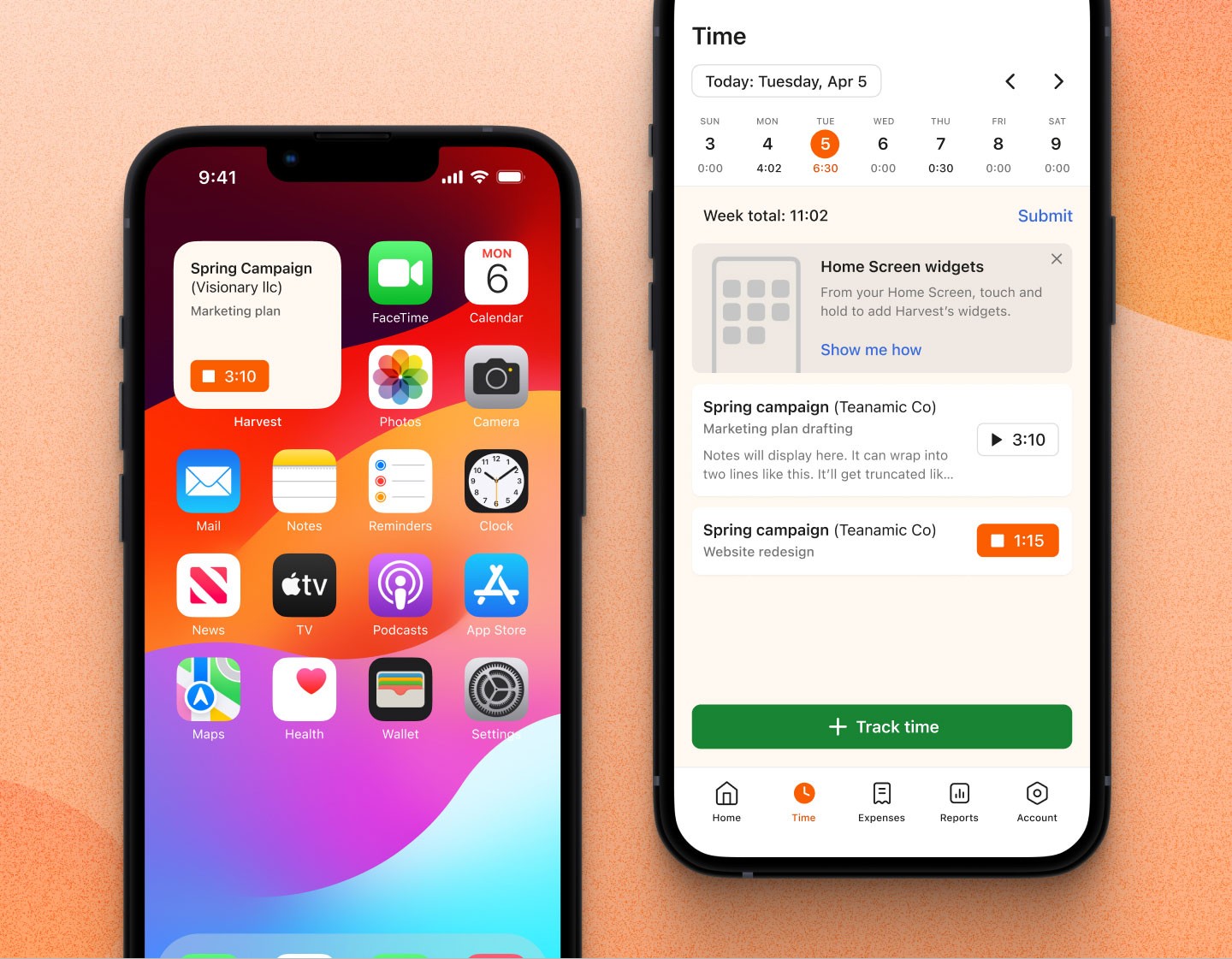
A recent-timers widget for iOS, designed end-to-end and shipped to 60% adoption.